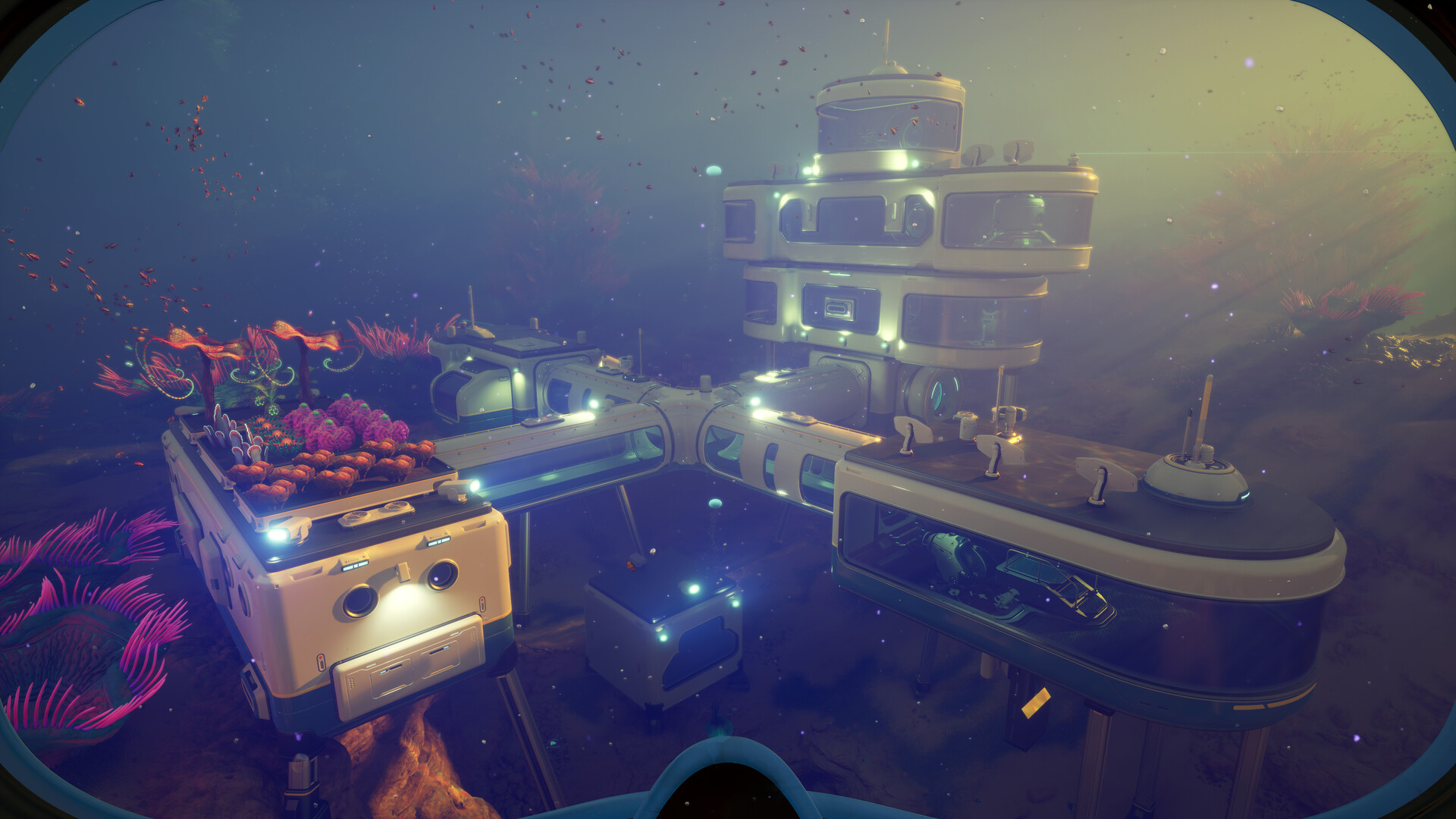
Subnautica 2 power and storage guide overview
This Subnautica 2 power and storage guide covers the two systems that make a base feel useful instead of decorative. Power keeps crafting, charging, and utility systems reliable. Storage turns resource runs into progression. In Early Access, module costs and balance may change, but the workflow principles remain stable.
Power before expansion
Build enough power to support what the base actually does. Do not expand rooms, modules, and corridors before power is stable. A small powered base with clean storage beats a large base that constantly interrupts your crafting loop.
Ask these questions before expansion:
- Does the current base have reliable power for its main job?
- Are crafting and storage close enough to use quickly?
- Is the next module required for a route or upgrade?
- Will expansion consume materials needed for tools or vehicles?
- Would a forward outpost solve the problem better?
If the answer is unclear, delay expansion and run one more resource loop.
Storage categories that work
Storage should be organized by use, not by the order items were found. Early storage chaos causes repeated searches and unnecessary farming. Sort materials into categories that match how you craft.
Recommended categories:
| Storage category | What belongs there |
|---|---|
| Common crafting | Frequently used basic materials |
| Minerals and ores | Strategic upgrade materials |
| Tools and utilities | Parts for handheld tools |
| Base building | Structural and power materials |
| Vehicle parts | Tadpole and upgrade materials |
| Overflow | Temporary surplus to review later |
The storage organization guide gives a more detailed locker system.
Put storage next to decisions
Place storage where decisions happen. Materials for crafting should sit near crafting stations. Vehicle materials should sit near vehicle planning. Base parts should be near the build workflow. If a player has to search five lockers for every craft, the base layout is fighting progression.
In co-op, use shared categories and avoid hiding important resources in personal lockers. The shared resources guide explains how to prevent duplicate gathering and missing materials.
Power planning by base role
A main base and a forward outpost do not need the same power plan. A main base supports crafting, storage, charging, and team preparation. A forward outpost might only need enough power to support a route checkpoint. Build for the role.
| Base role | Power goal | Storage goal |
|---|---|---|
| Main base | Stable workflow | Broad categories |
| Resource outpost | Minimal reliability | Route-specific materials |
| Deep staging point | Safety support | Emergency and objective items |
| Co-op hub | Shared uptime | Clear team categories |
This role-based approach keeps you from overbuilding every location.
Common power and storage mistakes
The biggest storage mistake is creating too many vague lockers. “Misc” becomes a black hole. Use temporary overflow only when you review it regularly. The biggest power mistake is adding modules because they look useful without checking whether the base can support them.
Another mistake is separating related systems. If your crafting station is far from materials, every craft becomes slower. If vehicle materials are mixed with common resources, upgrades become harder to plan.
What to do next
Power and storage should make every route easier to convert into progress. After your base workflow is stable, continue with first base location, Habitat Builder, and resource farming routes.
Quick power and storage checklist
Before adding another room, confirm that power is stable, common crafting materials are easy to find, strategic materials are separated, and overflow has been sorted. If a new module makes storage harder to understand, pause expansion. A clear base workflow saves more time than extra empty space.
Base workflow review
Every few trips, walk through the base as if you are crafting the next important upgrade. If you have to search multiple lockers, move categories closer together. If power interrupts the process, solve power before adding modules. If overflow is full, sort it before another farming run. Workflow reviews prevent small messes from becoming permanent base problems.
When in doubt, improve the main base before building another outpost. Outposts are useful only when they support a repeatable route. If your main storage is already confusing, another remote storage point will usually make planning harder instead of easier.
Current Early Access coverage notes
This Subnautica 2 power and storage guide page has been aligned with the expanded Subnautica 2 Early Access guide library. Subnautica 2 entered Early Access on May 14, 2026, and Unknown Worlds has said the game will continue receiving hot fixes, focused improvements, and larger updates that expand biomes, creatures, resources, tools, vehicles, and story content. Because of that, this guide should be read as a practical decision path rather than a fixed list of permanent coordinates.
When using this guide in the current build, start with one clear objective: safer opening progression, a specific crafting unlock, a repeatable resource route, or a more reliable return path. Check oxygen, food, water, storage, and tool slots before leaving base. If the route becomes unclear, return early and turn the information you gathered into a better second dive. That habit is more valuable than forcing one risky trip to do everything.
How this guide fits the expanded wiki
Game8-style guide hubs separate broad walkthroughs from item, tool, location, creature, biomod, and troubleshooting references. This site now follows the same coverage model while keeping the advice original and conservative. Use Subnautica 2 Power and Storage Guide as the main context page, then move into the narrower entry pages when you need a specific material, module, facility, biome, or bug-fix answer.
The most useful next step is to connect this page with beginner guide, resource locations, crafting priorities. Those related guides cover the adjacent decisions that usually determine whether the next dive is productive: what to craft first, where to scout, how to manage oxygen, and when to stop expanding a route.
Expanded route depth
Use this page as part of a larger progression chain instead of reading it in isolation. Before acting on Subnautica 2 power and storage guide, check what the next dive is supposed to accomplish, what material or scan would make the route safer, and what condition should make you turn back. That small planning step keeps Early Access changes from turning the guide into a brittle checklist.
For solo play, keep the route conservative: leave with spare inventory, return before oxygen becomes tight, and write down what changed after each trip. For co-op, assign one player to route safety, one to scanning or gathering, and one to storage or vehicle support. Shared progress works best when everyone knows the objective before leaving base.
If a patch changes an unlock, biome edge, recipe, or tool value, update the decision first rather than memorizing the old detail. The most useful follow-up reading is first base location, storage organization, habitat builder, because those pages connect this topic to crafting, resources, route safety, and the next practical upgrade.