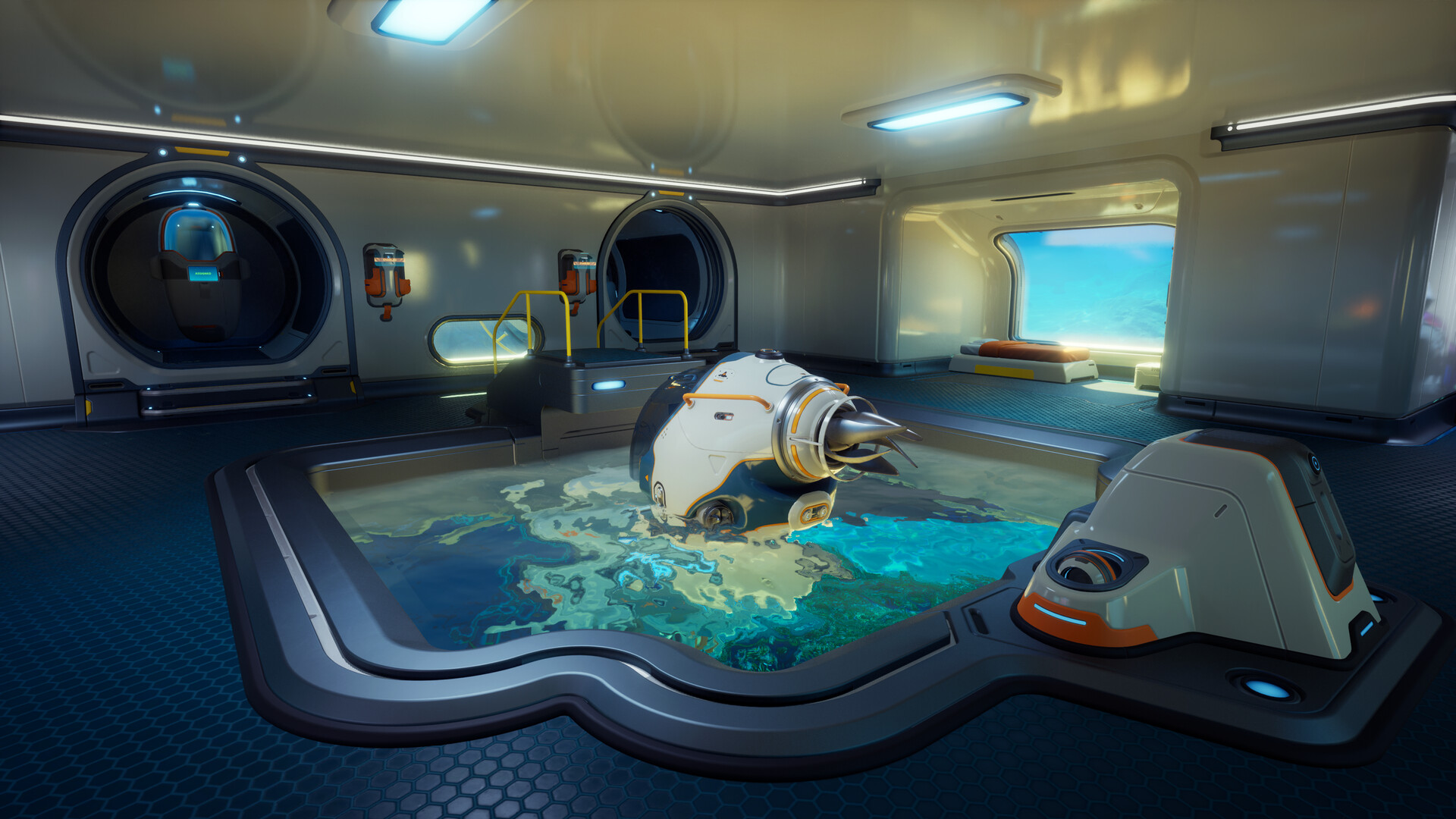
Subnautica 2 Scanner priorities overview
Subnautica 2 Scanner priorities should help you turn exploration into unlocks instead of random sightseeing. The Scanner is valuable because it identifies fragments, blueprints, objects, and information that can shape your next craft or route. Early Access updates can alter fragments and unlock pacing, so this guide focuses on scan order and risk management rather than fixed spawn claims.
Scan what changes your next decision
Do not scan only because something is nearby. Scan because it can change your route, crafting plan, base plan, or survival margin. If a scan target is safe and reachable, take it. If the scan target is inside a risky cave or near a hazard, decide whether the unlock is worth the oxygen cost.
Best early scan targets usually support:
| Scan value | Why it matters |
|---|---|
| Tool unlocks | Opens new interactions and route options |
| Vehicle fragments | Extends range and safety margins |
| Base modules | Improves storage, power, and crafting workflow |
| Environmental info | Helps read biomes and hazards |
| Story or signal context | Clarifies progression direction |
The early tools guide explains how scan results should feed into crafting.
Safe scanning route
A scan route should be shorter than a farming route. Scanning often requires stopping, facing an object, and spending attention while oxygen continues to drop. That means a route that is safe for gathering may not be safe for multiple scans.
Use this scan pattern:
- Identify the object before committing.
- Check the exit route.
- Scan one high-value target.
- Recheck oxygen and surroundings.
- Leave or scan one more only if the return is still safe.
If you discover multiple fragments in a risky location, scan one and return. A second trip is better than losing the route under pressure.
Scanner priorities by progression stage
Early game scanning should favor information and utility. Mid progression scanning can focus on vehicle support, base modules, and deeper route tools. Co-op scanning should be coordinated so multiple players do not all inspect the same low-value target while missing route objectives.
| Stage | Priority | Avoid |
|---|---|---|
| First hour | Safe fragments and basic utility | Deep scans with no exit plan |
| Early base | Storage, power, crafting modules | Decorative scans before workflow |
| Vehicle push | Mobility and upgrade fragments | Long route scans without oxygen |
| Co-op | Shared unlocks and role support | Duplicate scanning chaos |
For vehicle-specific decisions, continue with the Tadpole guide.
Mistakes that slow scanning
The biggest mistake is scanning everything in the order you find it. That sounds thorough, but it can waste oxygen on low-impact targets while high-value fragments remain unscanned. Another mistake is scanning at the end of a dive after inventory is full and oxygen is low. Scan early in the route when you can still leave cleanly.
Do not ignore environmental scans or context. Some information does not immediately craft an item but can help you understand biome risk, routes, and future objectives. The biomes guide helps connect environmental reading to survival.
Co-op scanning rules
In co-op, assign one player to call out high-value scan targets while others gather or watch the route. This keeps the team from clustering around one object and wasting oxygen. If someone scans an important fragment, announce what changed: tool path, base module, vehicle option, or route clue.
Shared scan discipline pairs well with co-op roles and sessions, especially when one player explores while another organizes crafting priorities.
What to do next
Treat scanning as route planning. Scan what unlocks the next safe action, then return and craft around the result. Next, read Blackbox signals for objective routes and tool upgrade order for deciding which unlocks matter first.
Quick Scanner checklist
Before scanning, check the exit and oxygen buffer. Scan the target most likely to unlock a route, tool, vehicle, or base system. If several fragments sit in a risky area, scan one and leave. Returning with one important unlock is better than losing time trying to finish the whole site.
Scan result review
When you return, convert scan results into a decision. If the scan unlocked a tool, compare it against your current route problem. If it unlocked a base module, decide whether storage or power needs it now. If it revealed vehicle progress, start planning materials. Scanning only matters when it changes what you do next.
Current Early Access coverage notes
This Subnautica 2 Scanner priorities page has been aligned with the expanded Subnautica 2 Early Access guide library. Subnautica 2 entered Early Access on May 14, 2026, and Unknown Worlds has said the game will continue receiving hot fixes, focused improvements, and larger updates that expand biomes, creatures, resources, tools, vehicles, and story content. Because of that, this guide should be read as a practical decision path rather than a fixed list of permanent coordinates.
When using this guide in the current build, start with one clear objective: safer opening progression, a specific crafting unlock, a repeatable resource route, or a more reliable return path. Check oxygen, food, water, storage, and tool slots before leaving base. If the route becomes unclear, return early and turn the information you gathered into a better second dive. That habit is more valuable than forcing one risky trip to do everything.
How this guide fits the expanded wiki
Game8-style guide hubs separate broad walkthroughs from item, tool, location, creature, biomod, and troubleshooting references. This site now follows the same coverage model while keeping the advice original and conservative. Use Subnautica 2 Scanner Priorities as the main context page, then move into the narrower entry pages when you need a specific material, module, facility, biome, or bug-fix answer.
The most useful next step is to connect this page with beginner guide, resource locations, crafting priorities. Those related guides cover the adjacent decisions that usually determine whether the next dive is productive: what to craft first, where to scout, how to manage oxygen, and when to stop expanding a route.
Expanded route depth
Use this page as part of a larger progression chain instead of reading it in isolation. Before acting on Subnautica 2 Scanner priorities, check what the next dive is supposed to accomplish, what material or scan would make the route safer, and what condition should make you turn back. That small planning step keeps Early Access changes from turning the guide into a brittle checklist.
For solo play, keep the route conservative: leave with spare inventory, return before oxygen becomes tight, and write down what changed after each trip. For co-op, assign one player to route safety, one to scanning or gathering, and one to storage or vehicle support. Shared progress works best when everyone knows the objective before leaving base.
If a patch changes an unlock, biome edge, recipe, or tool value, update the decision first rather than memorizing the old detail. The most useful follow-up reading is early tools, blackbox signals, vehicles tools guide, because those pages connect this topic to crafting, resources, route safety, and the next practical upgrade.